01What the guest does
They scan the QR card on the table.
The restaurant menu opens immediately on their phone, with your real dishes, photos, and prices.
Qresto
Table 07
Scan to see the menu
Table 07
Le Comptoir
Guests scan the QR code on their table, pick their dishes, and send the order. Your team sees it straight away.
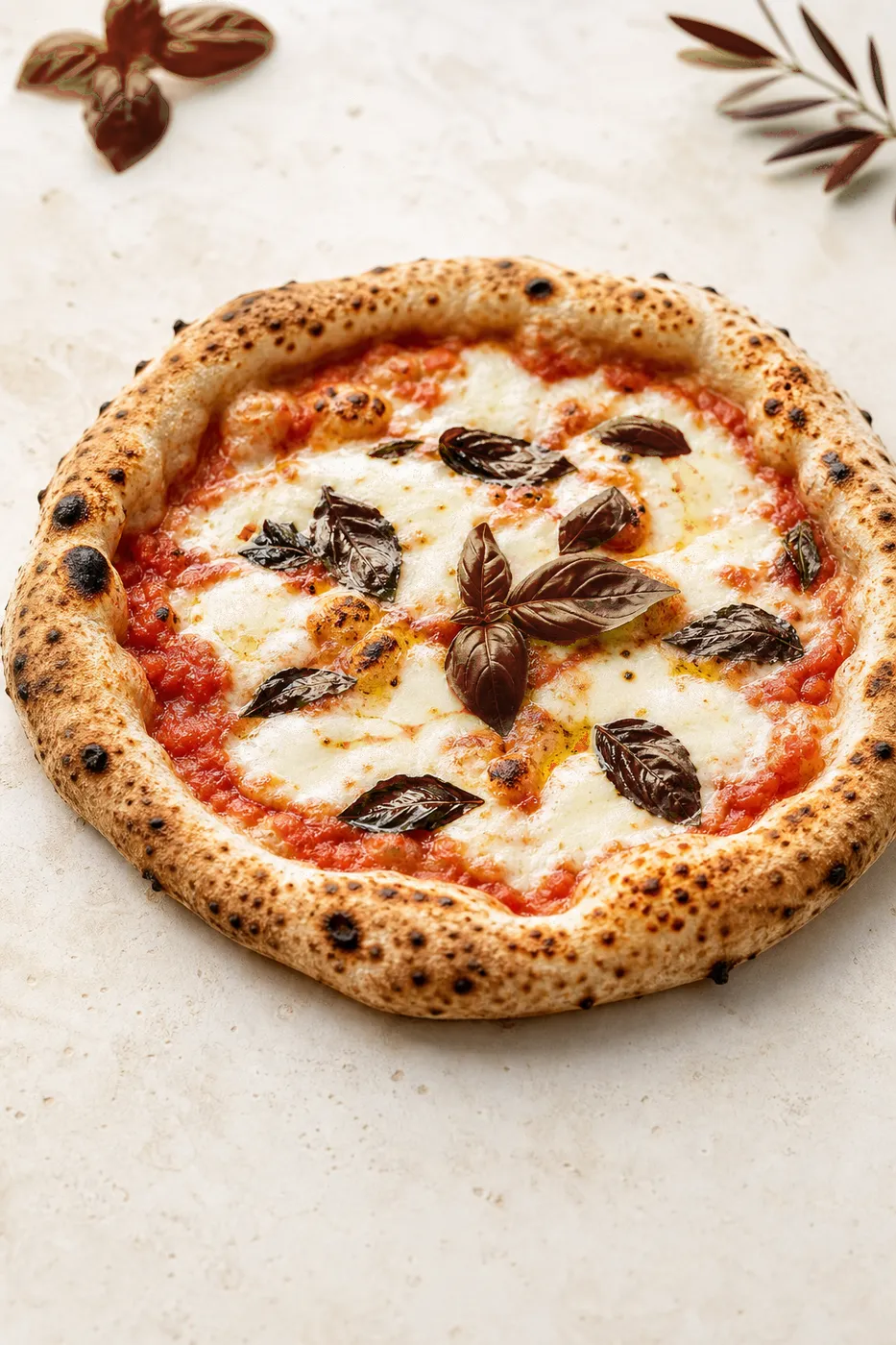
Menus in French, English and Arabic, prices in dinars, a QR code on every table. Qresto fits the way cafés and restaurants here already work.
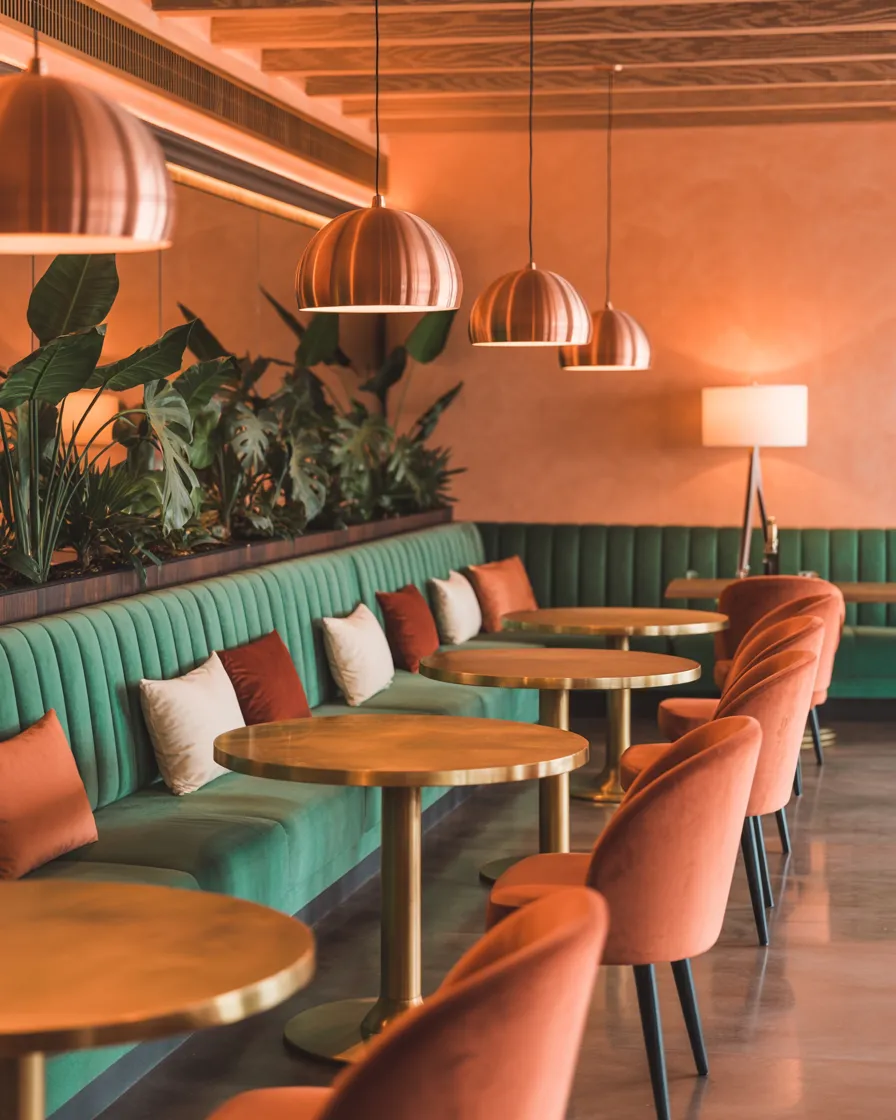
Your menu is translated automatically. Guests switch language in one tap, and the AI assistant replies in theirs.
Guests scan the QR code at their table, browse the menu, and order in a few taps.
New orders chime on your orders board. Tap “Ready” and the guest’s phone rings. Guests can also ask for the bill from their table.
New order, Table 07
2 items, waiting
A laminated card can’t answer a question, suggest a dish, or change when something sells out. That costs you orders every service.
MENU
Guests hesitate when the menu is long. Indecision slows the table and shrinks the order.
“Is it spicy? How much? Is there any left?” Your team answers the same questions all night.
Popular dishes, drinks, and desserts are easy to overlook on a flat printed page.
Changing a price or removing a sold-out item means reprinting the whole menu.
Qresto puts your menu on the guest’s phone. They choose, send the order, and your team accepts it.
The restaurant menu opens immediately on their phone, with your real dishes, photos, and prices.
Qresto
Table 07
Scan to see the menu
Table 07
Le Comptoir
The guest adds dishes to a basket. When they’re ready, they tap “Send my order”.
Not sure what to pick? They can ask Qresto for a suggestion.
Table 07
Chicken Tacos Spicy
With fries
The order arrives with the table number and the dishes. Your team accepts it and starts preparing. Nothing is made without approval.
New order
Table 07
Tap “Ready” on your orders board and the guest’s phone rings with your ringtone, so nobody shouts order numbers across the room. At the end of the meal, they ask for the bill in one tap.
Order no. 12
It’s ready!
Got itTable 07 asks for the bill
The assistant reads your menu: prices, ingredients, tags, and what’s available today. It suggests dishes by budget, taste, diet, and language, and never invents an item.
Qresto assistant
Online · Table 07
Hi! Tell me what you feel like and I’ll pick from today’s menu.
Allergy and ingredient checks
Replies in French, English and Arabic
Only uses your restaurant’s menu
The guest menu, the orders board, and your dashboard share one source. Change a price once and it updates everywhere.
Each one in its own template, with its own colours and logo. Scroll them like a guest would, or open one full screen.
A live plan of every table on every floor: who’s seated, who’s ordering, who needs service, next to the day’s numbers.
Open the live dashboardTable 04 demande l’addition
Depuis 2 min
Table 03, nouvelle commande
3 articles, 3 050 DA
Table 07 attend depuis 14 min
En préparation en cuisine
Orders land on a live board the moment a guest sends them. Accept, prepare, tap “Ready”. The guest’s phone rings, and you see when they’ve read it.
Order #42 is ready
Come and collect it at the counter.
Table 03
Your order is ready
Nothing is prepared without your approval.
See what’s been waiting too long.
Extra harissa, no onion, allergies.
Tap “Ready” and the guest’s pager rings.
Qresto sits on top of how you already work. Use what you need and skip the rest.
Le Comptoir
Tonight's shift
Ground floor
08 tables active
Service flow
21:1404
Incoming
07
In kitchen
03
Ready
84,200 DA
Couscous marked sold out
Just now
Table 07
2 min
2× Chicken tacos
1× Frites
2× Limonade
2,450 DA
Table 04
6 min
1× Rechta
2× Salade méchouia
2,100 DA
Table 11
9 min
2× Pizza Margherita
1× Coca-Cola
2,250 DA
Photos sell dishes. Put your logo and colours on the menu, and add 3D models for your signature plates.

Add a photo to each dish. It’s the quickest way to help guests choose.
Available now
Available now
Your logo, your colours, and one of five templates: Bistrot, Street food, Traditional house, Café & brunch or Neon.

400 DA per dish
We turn a photo of the dish into a 3D model. Guests place it on their table through the camera.
3D needs a sharp photo of the dish and a recent phone to view it. Photos work everywhere.
A QR menu is the first step. Photos, suggestions, and add-ons are what raise the average ticket.
The result
Guests decide faster. Your team spends less time answering questions.
Guests decide quicker with photos, tags, and AI help.
More drink & side upsells
The assistant suggests add-ons at the right moment.
Fewer repeat questions, more time for service.
Easier menu updates
Change a price or hide a dish in seconds.
More insight into demand
See what sells, service after service.
In dinars, no commitment month to month. Try everything free for 30 days, then pick what your restaurant needs.
Your digital menu, live today.
or 29 000 DA a year
Guests order from their table.
or 59 000 DA a year
The full experience, in 3D.
or 99 000 DA a year
A year of Qresto with every table set up by our team: QR stand placed, scanned and tested, staff trained. 3D is optional, below.
Café or fast food · up to 10 tables
29 900 DA
32 500 DA2 600 DA saved
Restaurant · up to 20 tables
59 900 DA
66 000 DA6 100 DA saved
Large dining room · up to 40 tables
99 900 DA
113 000 DA13 100 DA saved
350 DA per table
A plexiglass stand with the table's QR code and number, placed and tested by our team.
400 DA per dish
Guests spin the dish and see it on their table in augmented reality. Best for mains and desserts, not needed for drinks.
Cheaper by the bundle
3 000 DA per visit
On installation day we photograph your dishes: better photos for your menu, and the real photo every 3D dish needs.
Try it now
Scan with your phone to open the demo menu at Table 07.
Start with one restaurant and one QR menu. Add table ordering, the AI assistant, and the pager when you’re ready.
French, English and Arabic. A QR code on every table. Live in a day.
Guests scan the QR code on their table, browse the menu, ask the AI for help if they want, and send their order from their seat.
Yes. Your menu is translated automatically into French, English and Arabic, and guests switch language in one tap. The AI assistant answers in the guest’s language.
Yes. Every order waits for staff confirmation before it moves to preparing. Nothing hits the kitchen without your team’s approval.
Their phone rings like a restaurant pager, even with the screen locked once they allow notifications. There’s no app to install: it works from the menu they scanned.
Yes. One tap on “Addition” in the menu and the request shows up on your orders board with the table number.
Yes. We turn a photo of your dish into a 3D model guests can spin and see on their table in AR, for 400 DA per dish. Premium includes 2 dishes a month.
Yes. Qresto is built for cafés, fast food, restaurants, hotels, and food courts. The flow is the same: scan, choose, order, collect.